Join the waitlist to reserve your Vestaboard for the upcoming delivery.

Vestaboard Note
Vestaboard Note
Vestaboard Note
Vestaboard Note
Vestaboard Note

Vestaboard Note

$1,099
Color

Set the tempo for the ones you love with the inviting, playful, and versatile display.

Temporarily sold out

  • Two year warranty
  • Real-time support
  • 30-Days Risk-Free

Business inquiries

Interested in two or more?

Contact sales

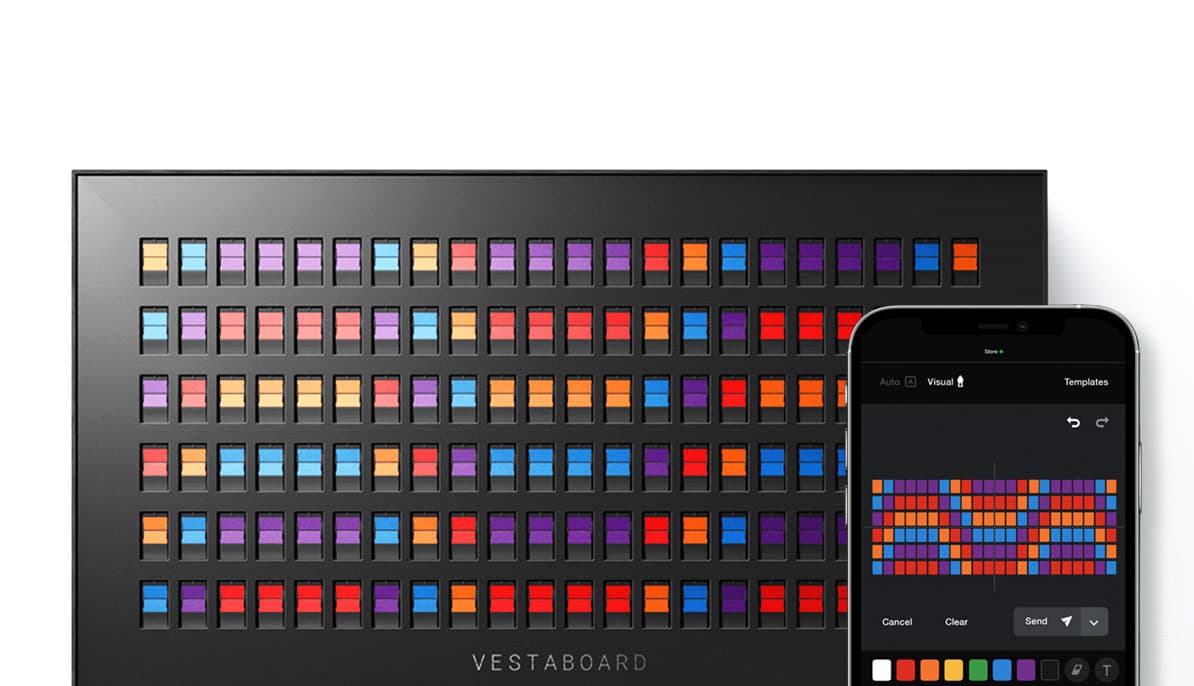
Controlled from your phone or computer

Iphone, Android and web

  • Google PlayRated 4.8
  • App StoreRated 4.5
The Vestaboard app

Award-winning product design

Beautiful inside and out

Red Dot winner
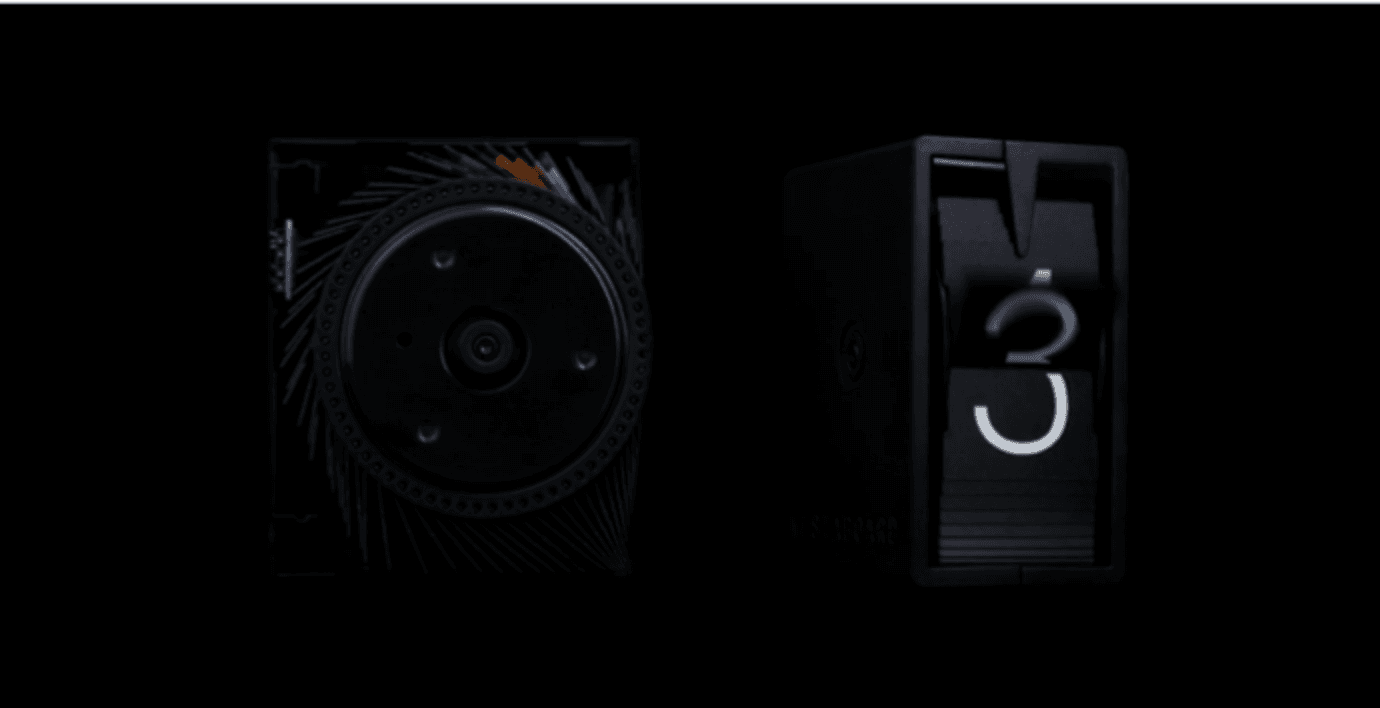
A close-up of Vestaboard's bits and modules

Specifications

Charset

45
Bits
64
Characters / Bit
55
Alphanumeric characters
8
Color characters
1
Heart

Size & Weight

24.5"
Width · 623 mm
8.6"
Height · 219 mm
3.9"
Depth · 101 mm
16 lb
Weight · 7.3 kg

Power

73
watts (when updating)
100–240 V, 50–60 Hz
19.7
inch power cable (IEC C5) · 50 cm

Connectivity

Wi-Fi 802.11 a/b/g/n
2.4 and 5 GHz networks
Ethernet port
VESA 200 × 100 mm compatible

Flagship or Note?

Compare Vestaboard

Vestaboard Flagship and Vestaboard Note
FlagshipNote
Display
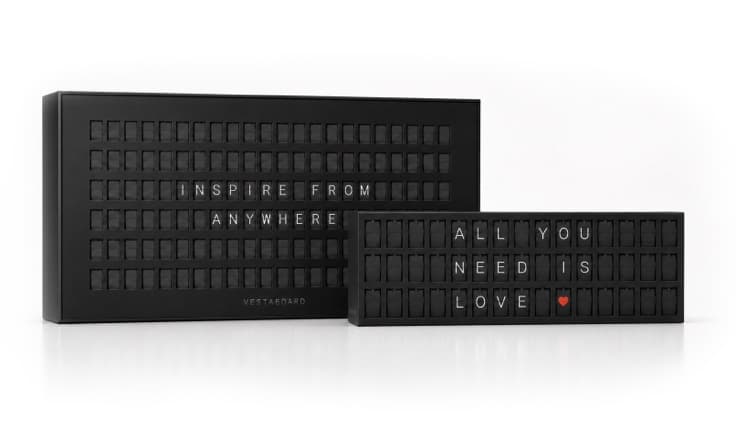
132 Characters 6 x 2245 Characters 3 x 15
Size
41.2" x 22"24.5" x 8.6" Frameless 28.4" x 12.2" Framed
Weight
45 lb16 lb Frameless 23.4 lb Framed
Versions
FramedFrameless Framed
Mounting
Walls Stands (Vesa)Walls Surfaces
Price
$3,499$1,099 Frameless $1,099 Framed

Frequently Asked Questions

How large is Vestaboard Note?

With the frame, Vestaboard Note measures 28.4” wide × 12.2” tall × 4.3” deep (723 × 309 × 109 mm) and weighs 23.4 lbs (10.6 kg). Without the frame, Note measures 24.5” wide × 8.6” tall × 3.9” deep (623 × 219 × 101 mm) and weighs 16 lbs (7.3 kg). Visit vestaboard.com/spec for more information.

How do I install Vestaboard Note?

The framed version is intended for wall mounting to create a polished, finished look. It is installed using a bracket system and should be anchored to wood studs or concrete for stability. A standard power outlet should be located directly behind or just below the display. Installation instructions, a mounting template, and a 19.7” power cable are included. The frameless version is intended for upright placement on a desk, shelf, countertop, or within a built-in, offering a modern, edge-to-edge appearance without the need for wall mounting. The frameless version may also be wall-mounted if desired using the same bracket system.

How is Vestaboard Note powered?

Vestaboard Note is powered by a standard 3-prong-plug and supports 100-240V. Each Note will ship with a 19.7” power cable, with the option to upgrade to an 8’ power cable.

How does Vestaboard Note display messages?

Vestaboard Note connects to WiFi and is controlled through the Vestaboard app on iPhone or Android. Setup consists of a few simple steps where you will create and/or link a Vestaboard account to your Note and connect it to your WiFi network. Once it’s connected, you can send messages anytime from your phone or computer. You won’t need to reconnect unless your WiFi changes.

Do I need to be near my Vestaboard Note to send a message?

You don’t need to be near your Note to send a message. Once connected to WiFi, Note can receive messages from anywhere using the mobile or web app. You can also grant access to others, giving them full permission to update your Note from wherever they are.

How long of a message can I display?

Vestaboard Note displays up to 45 characters, including letters, numbers, symbols, colors and a ❤️. When you send a message, Note arranges the content beautifully with smart formatting (including left, center, or right alignment) or you can take full control with the visual editor for a precise, what-you-see-is-what-you-get layout.

Loved Everywhere

Vestaboard Note requires a Wi-Fi or Ethernet connection and a Vestaboard account. Prices in USD and exclude tax and shipping. Specifications subject to change. Vestaboard is a registered trademark of Vestaboard, Inc.

Your privacy choices

Choose what we can use on vestaboard.com and at checkout. You can change this anytime from “Your Privacy Choices” at the bottom of every page.